Contracts
A contract sets the terms Summance runs on: what to bill, when revenue is recognized, and what each customer owes, calculated automatically once the contract is in place.
What a contract holds
A contract captures everything needed to bill correctly from day one: the rate, any included minimum or seat count, which products it covers, and when the term starts and ends. It doesn't matter whether a customer pays per API call or per seat, once it's set up, both work the same way.
Worked example
Two contracts, two different pricing models, each built to fit how a business actually runs.
Driftmetric Team (usage-based)
Includes
- 50,000 API calls a month
- Unlimited monitored services
- Month-to-month term
Pricing
- $0.02 per call above the included 50,000
Acme Team (seat-based)
Includes
- 5 seats
- Shared workspace and roles
- Month-to-month term
Pricing
- £19 per additional seat
- Flat monthly price, nothing metered
Both add up to the same three things: a rate, an included allowance, and a term. Only the numbers change.
How a contract arrives
A contract can arrive four ways: typed or pasted directly, uploaded as a document (PDF, DOCX, HTML, Markdown, or plain text, up to 20 MB), submitted by your own app through the API (for example, automatically the moment a new customer completes your signup flow, no person involved), or pulled automatically when a deal reaches Closed Won in your Salesforce or HubSpot. The first three are read by Summance's AI and turned into contract terms; the fourth is mapped directly from the CRM deal's own fields, no AI involved. Every path lands as a Draft first — reviewed and activated separately, never live the moment it's submitted. Whichever way it arrives, it becomes the same kind of contract described above.


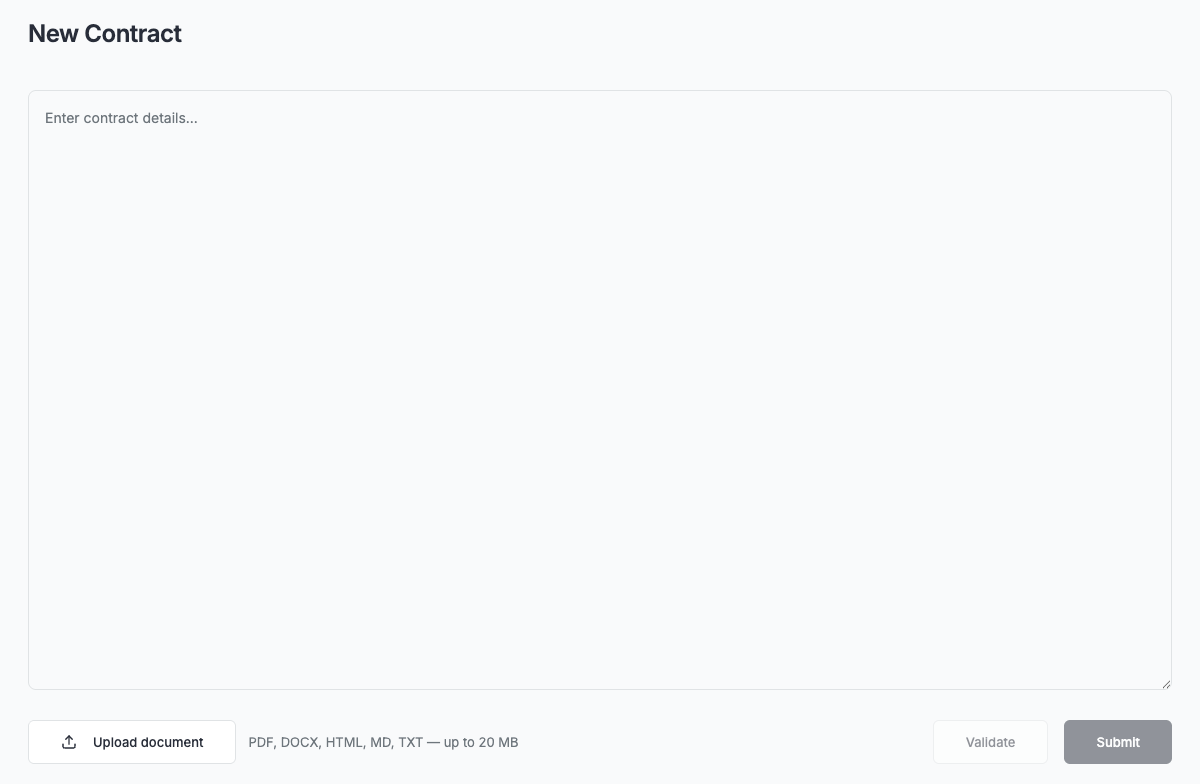
The API path submits into this same flow without visiting this screen.
The rest of this section goes deeper on each part: how a contract gets created (Contract ingestion), what happens to it over time (Contract lifecycle), where Penny fits in (Penny's role), and how mid-term changes work (Contract amendments).
Contract ingestion
How a contract gets created: typed, uploaded, submitted by your app, or pulled automatically from a CRM deal.
Read the guide →Contract lifecycle
What a contract's status controls, the six states it can be in, and every real way it moves between them.
Read the guide →Penny's role
Where Penny fits into contracts: drafting new ones, and changing an existing one's status — right away for most changes, after confirming first for activation.
Read the guide →Contract amendments
How mid-term changes to a contract's terms work, without rewriting the contract itself.
Read the guide →